Change (Portfolio)
The Change screen consolidates the change requests raised on the portfolio's projects. Essential to steer governance and anticipate re-arbitrations.
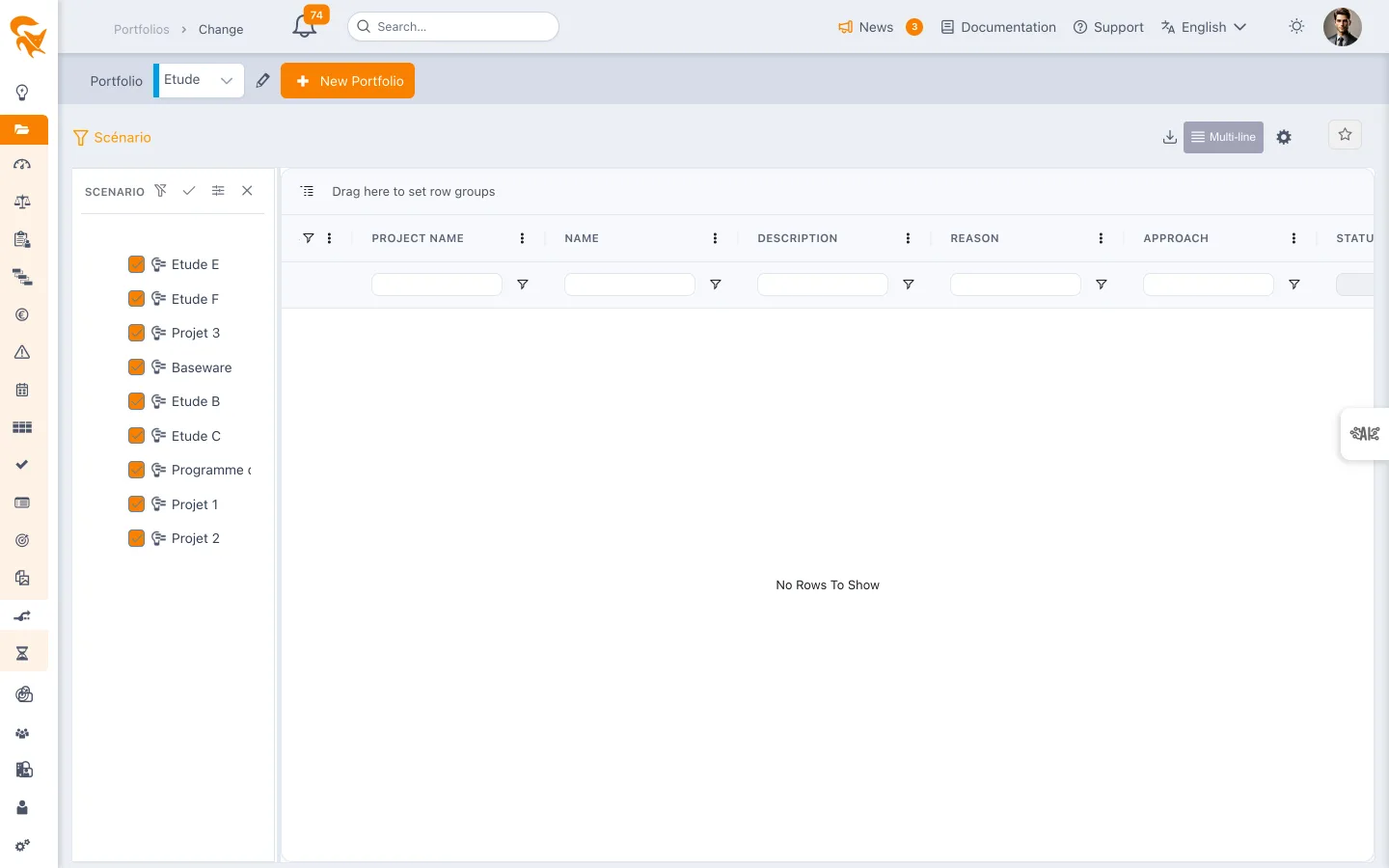
Reached through the Change menu of a project portfolio.
Consolidated register
Columns are the fields of the Change entity, shared by every project:
| Column | Content |
|---|---|
| Name | Title of the requested change |
| Description | Detailed nature of the request |
| Reason | The motive justifying the change |
| Approach | How it will be handled |
| Status | Current state of the request |
| Category | Business typology |
| Task | The plan task concerned, if any |
An administrator can add their own columns through custom fields — that is how you get a reference, a requester or an effort estimate if your governance requires them.
Cross-cutting impact analysis
A validated change can have repercussions on other projects (shared resources, dependencies). The consolidated register is the detection tool:
- Filter changes approved during execution
- Cross with shared resources
- Spot potential conflicts on the multi-project plan
Workflow
- The requester initiates the request inside their project
- The project manager analyses the impact (effort, schedule, budget)
- The committee approves or rejects from this screen or from Decision
- Once approved, the change is integrated into project planning and budget
See also
- Project change — management at the project level
- Decision — associated decisions
- Risk — risks that changes aim to mitigate