Decision
The Decision screen is the project's decision log: the record of what was decided, by whom and when. It is a governance tool — it prevents matters being reopened and documents trade-offs.
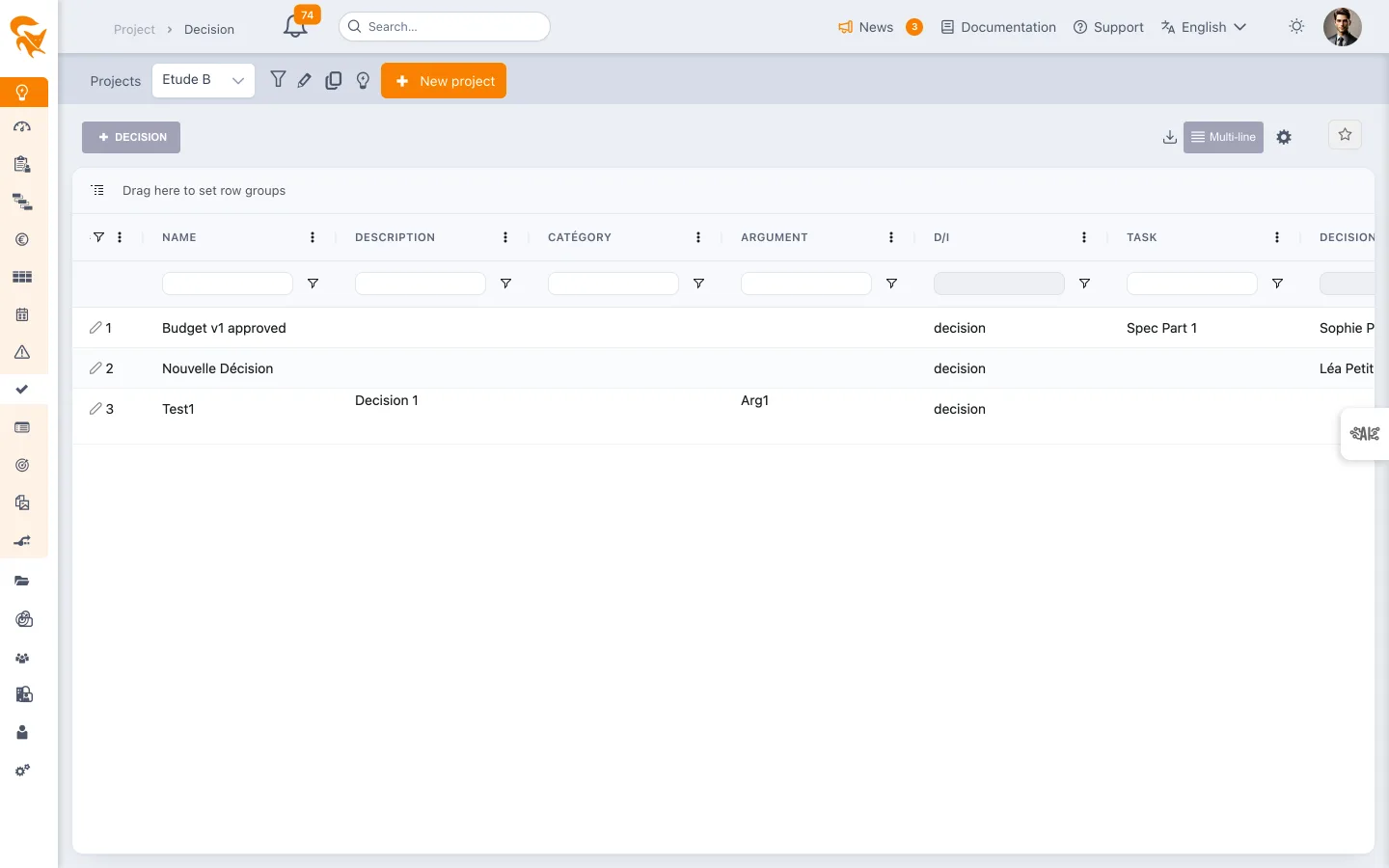
Reach it from the Decision menu in the project sidebar.
Decision or Information
Every entry is typed by the D/I field:
- Decision — a choice that commits the project;
- Information — a point formally recorded, without commitment.
The same log carries both: "the selected supplier is X" as well as "management announced a hiring freeze".
The fields of a decision
These are the fields of the Decision entity defined in the workspace:
| Field | Content |
|---|---|
| Name | Decision title |
| D/I | Decision or Information |
| Description | Context and detailed content |
| Rationale | The reason — why the decision was taken |
| Category | Business typology |
| Decision maker | The person who decided |
| Decision date | The date of the trade-off |
| Task | The plan task concerned, if any |
A decision has no implementation owner and no progress status: it is taken, and that is that.
An administrator can add their own fields through custom fields.
Working in the grid
The screen is a grid: inline editing, per-column filters, sorting, grouping by dragging a header into the bar provided. The right-hand panel opens the detail of an entry.
A consolidated register gathers the decisions of every project in a portfolio.
See also
- Risk & Issue — the risks that often prompt a trade-off
- Change — changes enacted by a decision
- Portfolio decisions — the consolidated view
Fill in the Rationale at the same time as the decision. It is the field you skip in the moment and regret six months later: the what can always be found again, the why is lost.