Document
The Document screen centralizes the files attached to a project: specifications, minutes, deliverables, supporting documents… Everything is gathered in one place, accessible to the team. You reach it from the Document menu in the project sidebar.
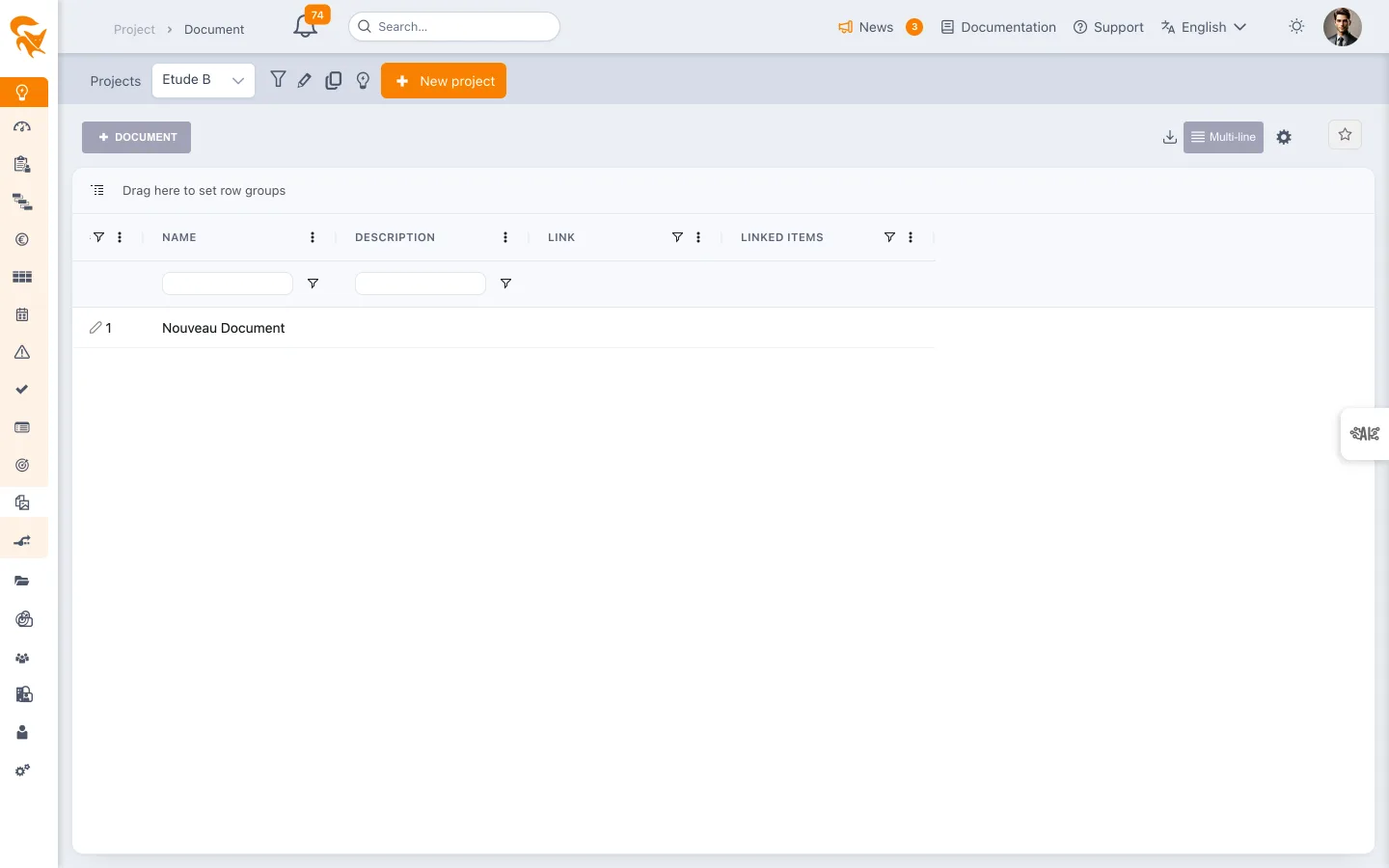
Managing documents
- Add a file to the project
- View / download existing documents
- Organize the file list
- Delete an obsolete document
Documents are shared with project members according to their rights.
See also
- Definition & members — who has access to the project and therefore to its documents
- Budget management — where you can also attach supporting files to a line
Good habit
Attach supporting files directly to the relevant object when possible (an attachment on a budget line, for example) and reserve the Document screen for the project's deliverables and cross-cutting references.