Task and card priority
A task or a card can carry a priority from 1 to 3, shown as a coloured dot in the plan and on card boards.
| Level | Dot | Meaning |
|---|---|---|
| 1 | 🔴 red | Highest priority |
| 2 | 🟠 orange | Middle priority |
| 3 | 🟡 yellow | Lowest priority |
A task with no priority shows no dot — that is the default.
Two different fields share the same name:
| Project priority | Task / card priority | |
|---|---|---|
| Scale | 1 to 5 | 1 to 3 |
| Where you set it | Project definition | Bulk import (see below) |
| What it drives | Trade-offs, global planning, workload — badges, grouping and workload breakdown | A dot on the Gantt bar and on cards |
Both use the same palette for levels 1 to 3, which makes the confusion worse. Remember the scale: a 4 or a 5 can only be a project.
Where the dot appears
- Planning — to the left of the task bar, in the Gantt chart.
- Card & Story, My cards, Team cards, Portfolio cards — on the card, right after the type icon.
Hovering the dot shows "Priority" followed by the level.
Setting the priority
The priority is entered in the Priority column of the bulk import, available:
- from the Planning toolbar (⏬ icon) for tasks;
- from the Card & Story or My cards toolbar for cards.
The column only accepts a numeric value between 1 and 3. On validation, any row outside that range blocks the import with the message: "The Priority column must contain a numeric value between 1 and 3." Leaving the cell empty creates the task with no priority.
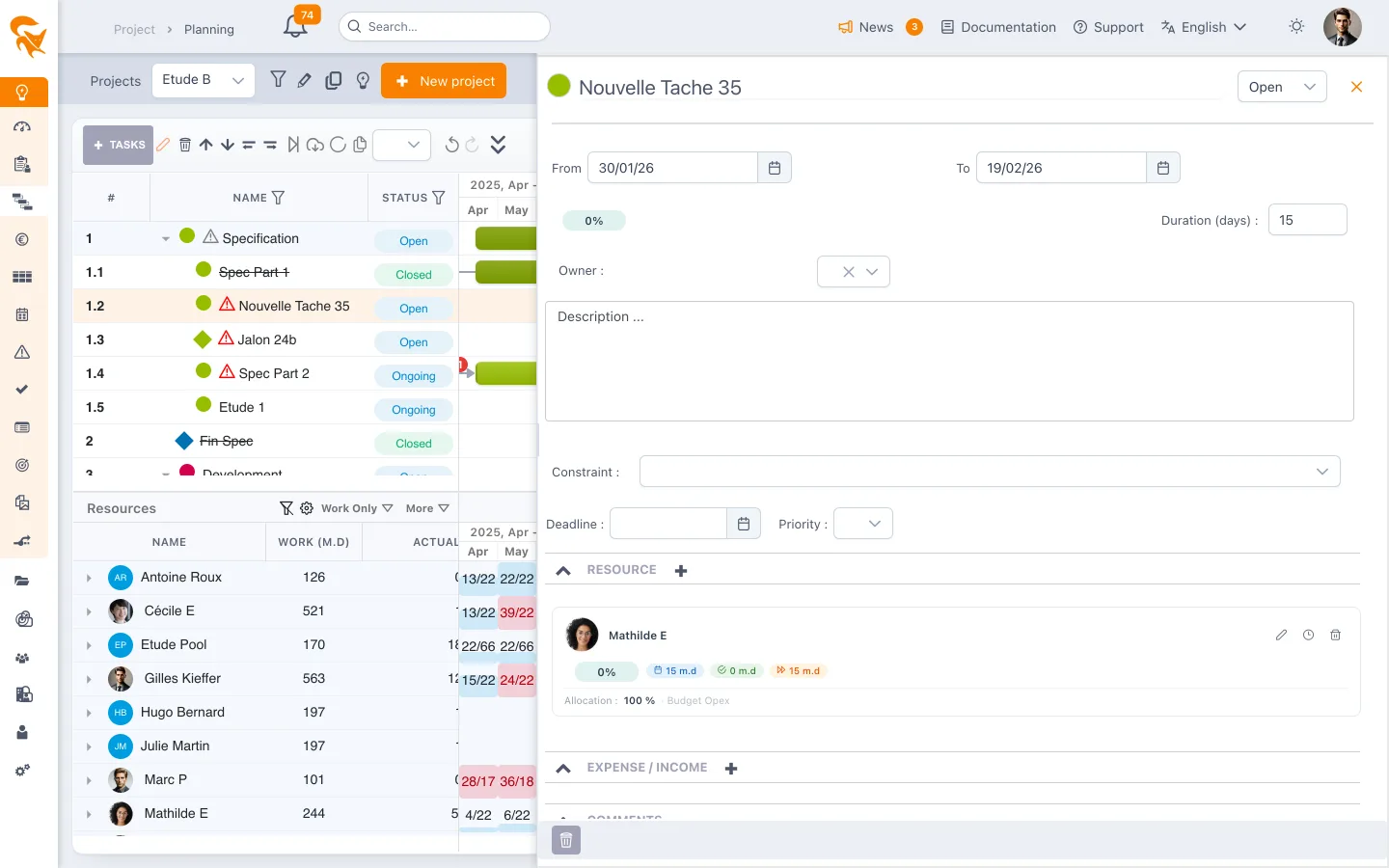
As of today, the bulk import is the only entry point for this field. The edit panel of a task or a card does not expose a "Priority" dropdown: to correct the priority of an existing item, go through an import again.
What it is for
The dot is a visual cue, not a computation input: it drives neither scheduling, nor workload, nor progress. Its value is to make relative urgency stand out in a dense board — a Kanban with dozens of cards, or a Gantt where every bar looks alike.
For steering that actually acts on planning, it is the project priority you want: it feeds the grouping of trade-offs and the workload breakdown by priority.
See also
- Card & Story — a project's cards
- Planning — the bulk import of tasks
- Trade-offs — project priority and its uses
- Workload — workload breakdown by project priority