Requirement (Portfolio)
The Requirement screen consolidates the requirements declared across every project of the portfolio. Useful for business traceability and regulatory compliance.
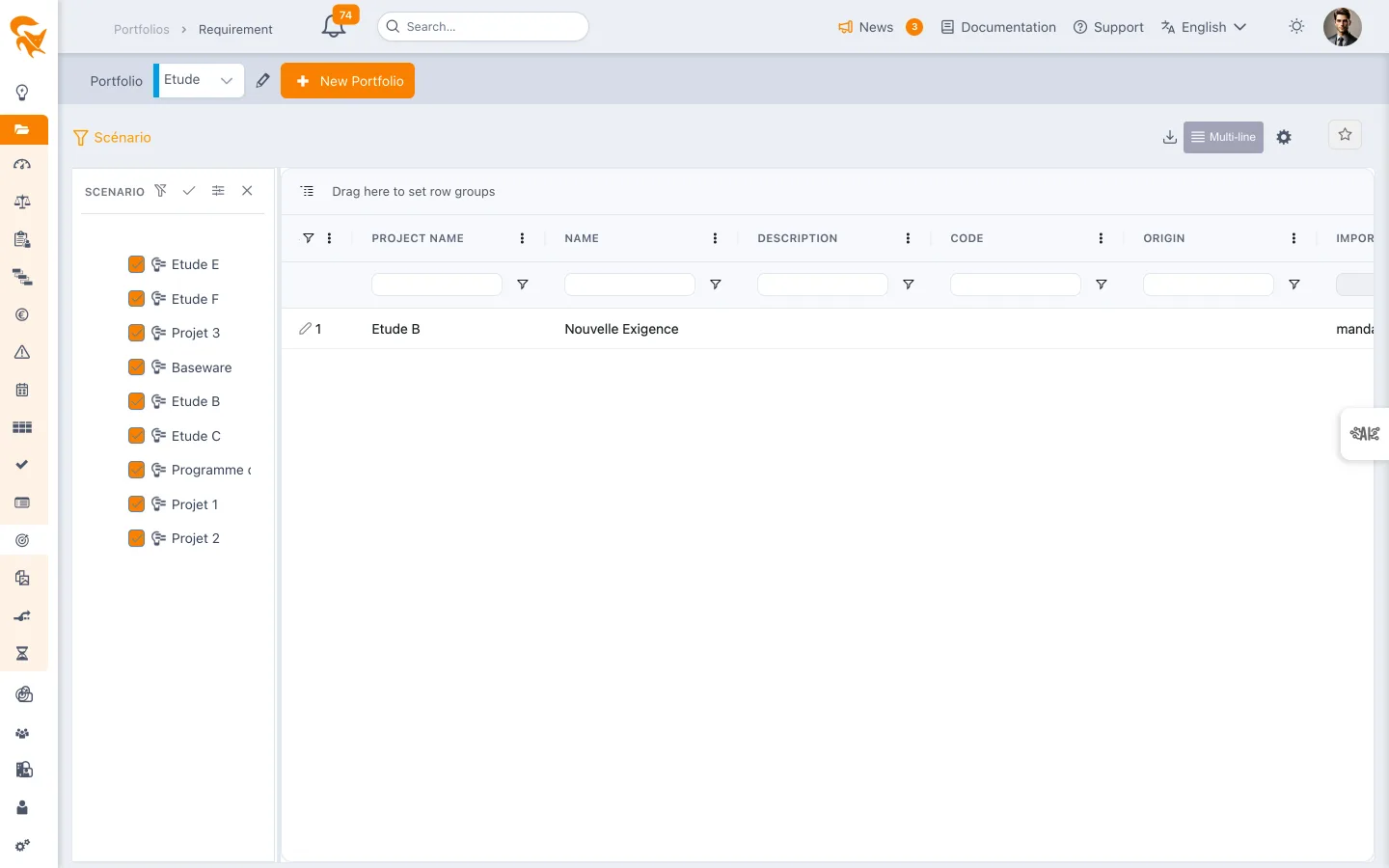
Reached through the Requirement menu of a project portfolio.
Consolidated register
Columns are the fields of the Requirement entity, shared by every project:
| Column | Content |
|---|---|
| Name | Requirement statement |
| Description | Full text |
| Code | Internal or external reference (standard, contract) |
| Origin | Where the requirement comes from — customer, standard, regulation |
| Importance | The level of requirement |
| Coverage type | How the requirement is covered |
| Coverage rate | The degree of coverage reached |
| Cost | The associated cost |
| Task | The plan task covering it, if any |
An administrator can add their own columns through custom fields — a processing status, for instance, is added that way.
Analysing
Like the other consolidated registers, this screen is a grid: sorting, filtering and grouping do the analysis.
- Group by dragging a column header into the bar provided — by Origin to gather the requirements of one customer or one standard, by Importance to focus on the critical ones, by Project for the spread.
- Sort on Coverage rate to surface the least covered requirements.
- Scenario — the funnel narrows the scope to a selection of projects. An orange badge on the button shows the number of unticked projects, hence missing from the list.
- Export — Excel (.xlsx) or CSV (.csv), over the displayed columns.
The screen does not produce a matrix crossing requirements and deliverables, and does not archive a dated version of the register. For an audit file, the practice is to export the register to Excel at the required date and keep that file: the export is the record, not an internal snapshot.
See also
- Project requirement — management at the project level
- Task list — tasks covering requirements
- Document — associated documents