User administration
Overview
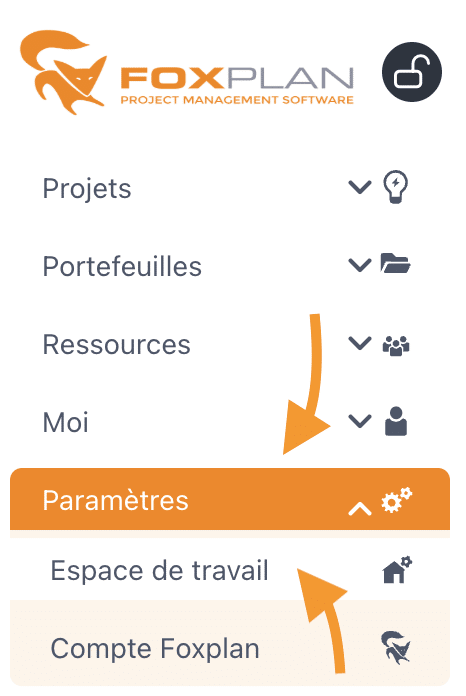
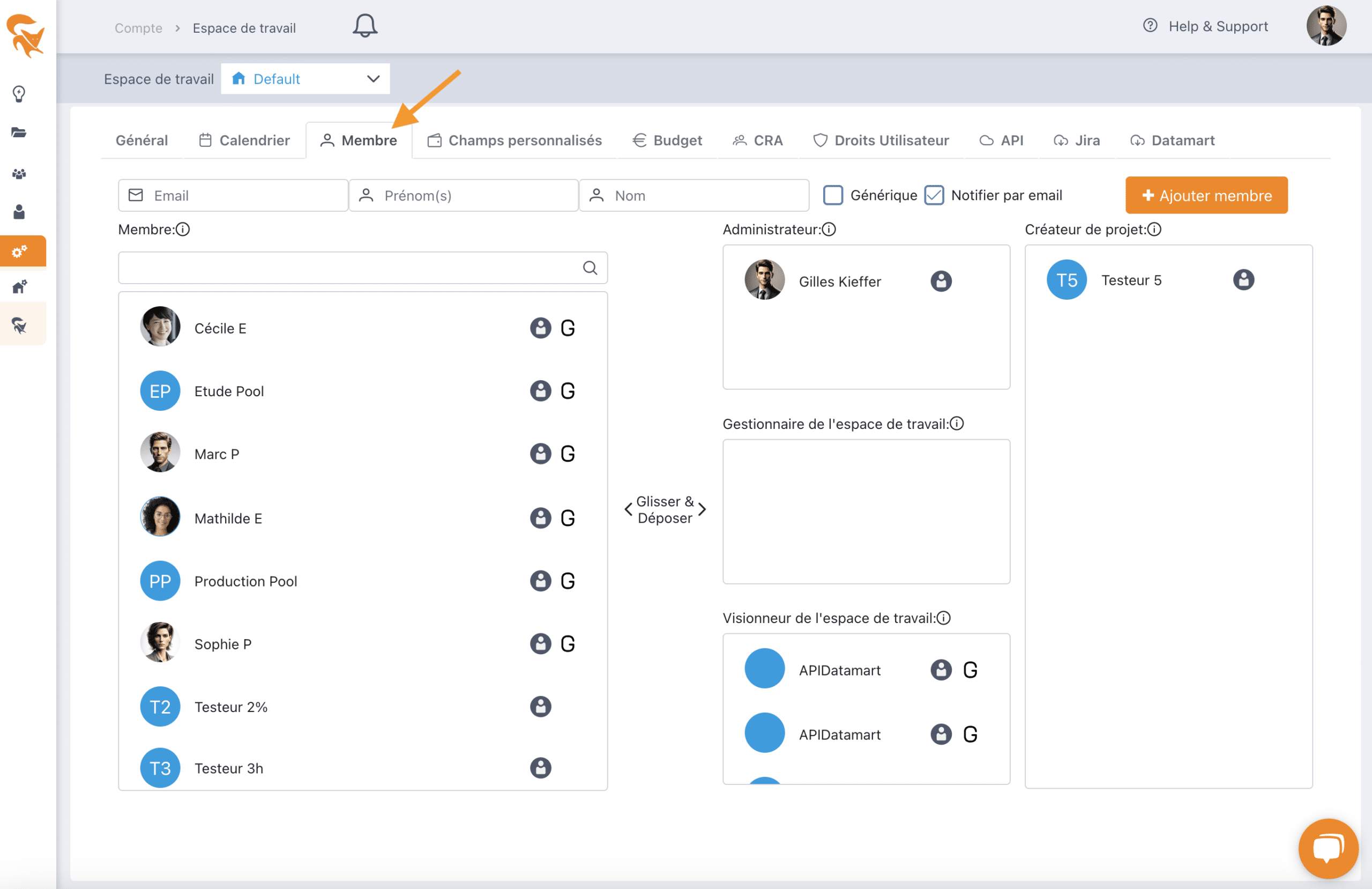
FoxPlan lets you manage users at several levels: project teams, portfolios, resource portfolios and application administration. This guide focuses on the administration level, accessible via Settings > Workspace then the Member tab.
User vs generic resource
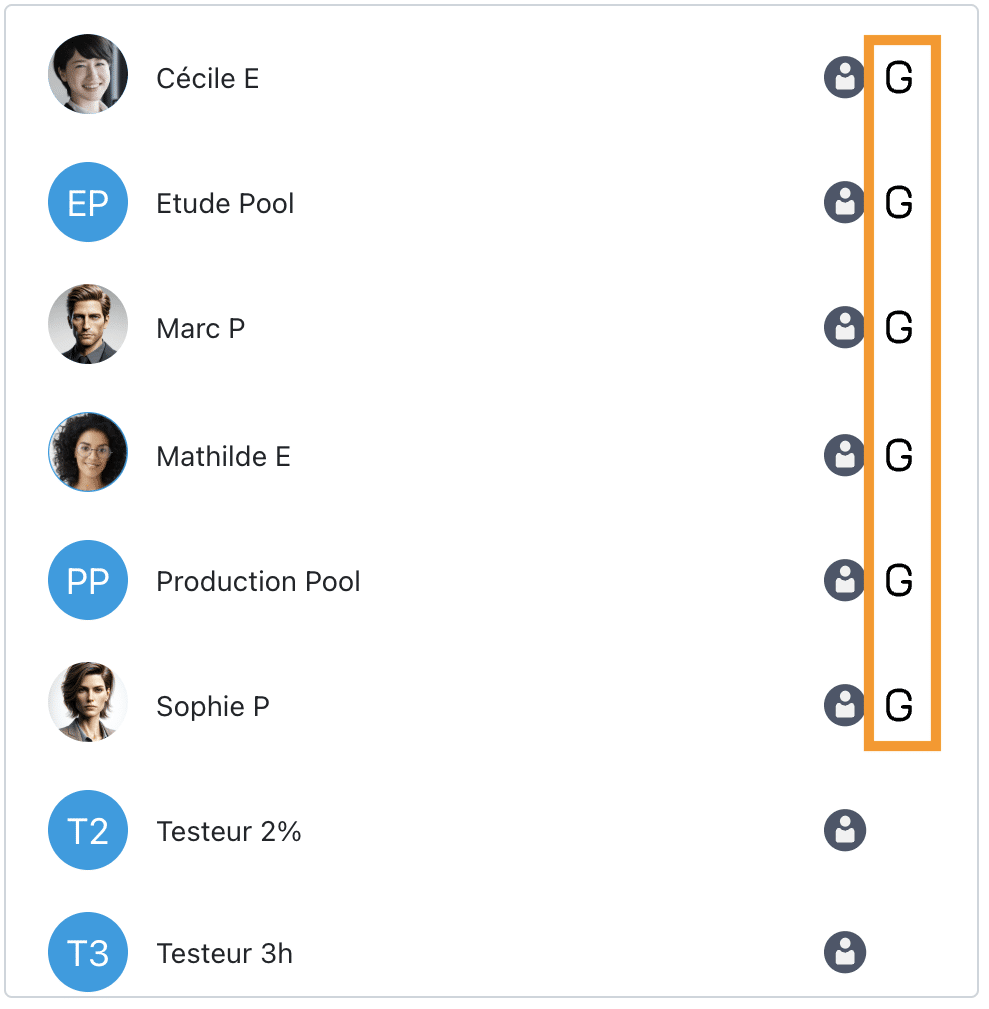
- User — A standard physical resource who logs into the application to view their tasks, track progress and close completed items.
- Generic resource — Represents service providers, resource pools or machines, managed by project managers (who enter progress on their behalf). A generic resource has no login credentials and carries the G flag.
Adding a user or a generic resource
Fill in the required fields:
- Email (identification key) — not required for generic resources
- First name
- Last name
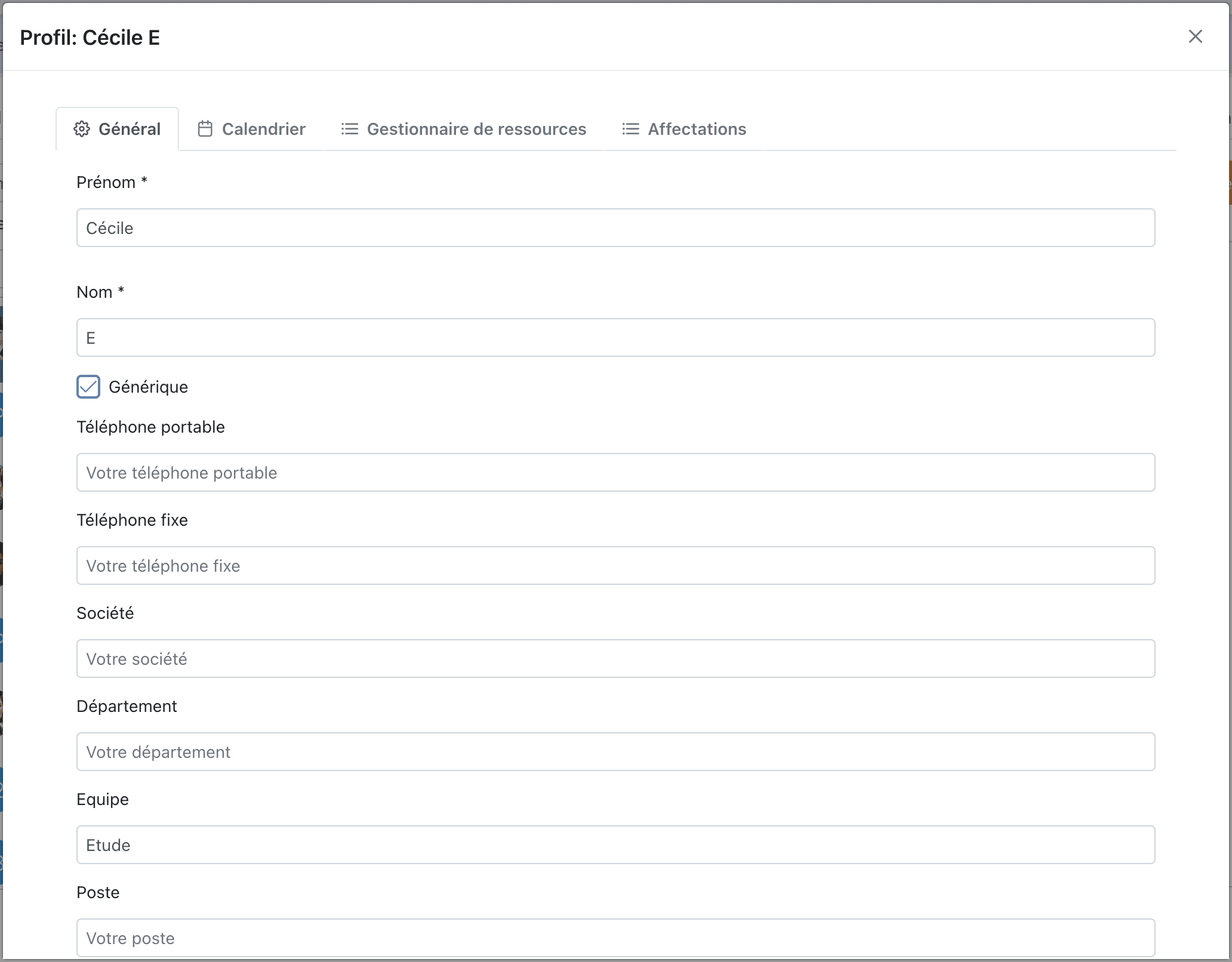
For generic resources, tick the Generic box. Once created, resources become available across all projects.
Roles and licenses
At the workspace level, each member is assigned a role that determines their global rights (Administrator, Manager, Reader, Contributor, Member). The detail is documented in Workspace members.
The role also has a license impact:
- Roles with extended rights consume a full license.
- A generic resource does not consume a user license.
This is why converting a user into a generic resource frees a license.
Managing user files
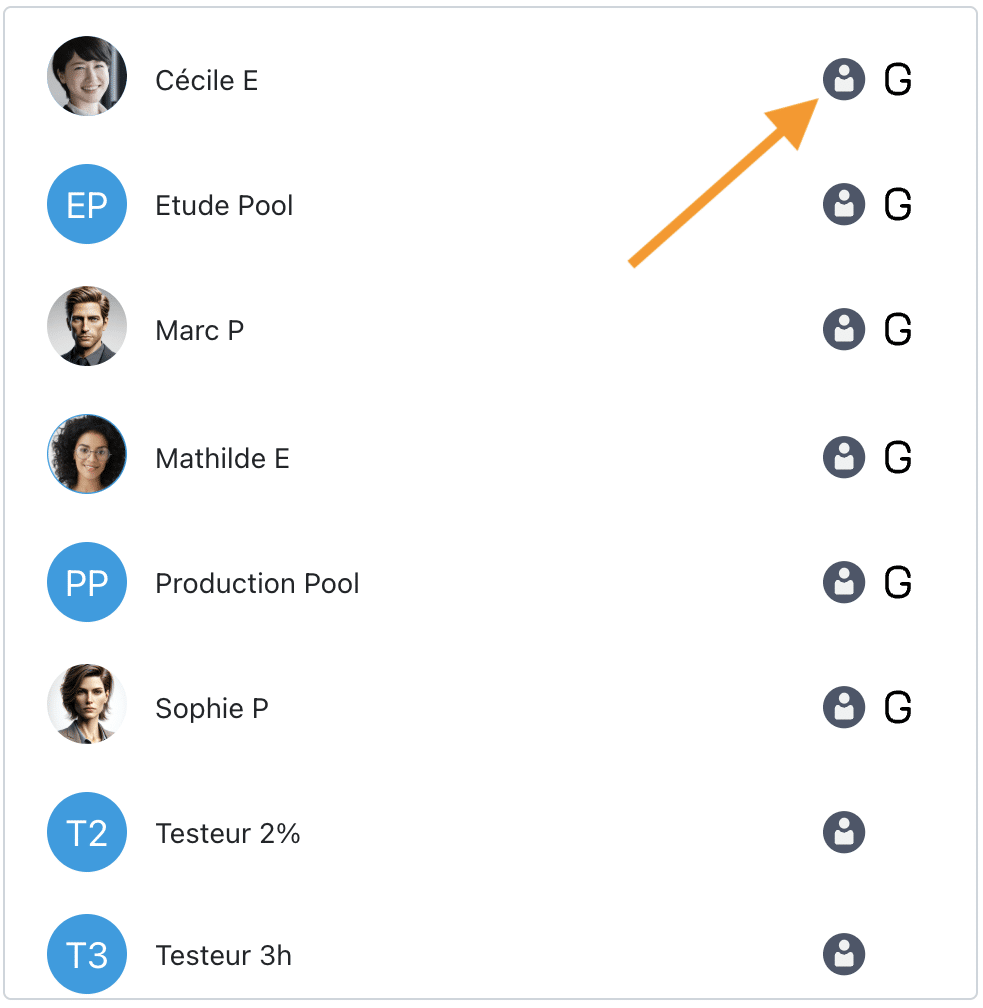
Click the icon next to a member's name to open their file and edit descriptions or attributes.
Deletion and deactivation
A user or a generic resource can only be deleted if it has no assignment or recorded progress. If a user is already assigned to projects, you cannot delete them directly (it would break the history).
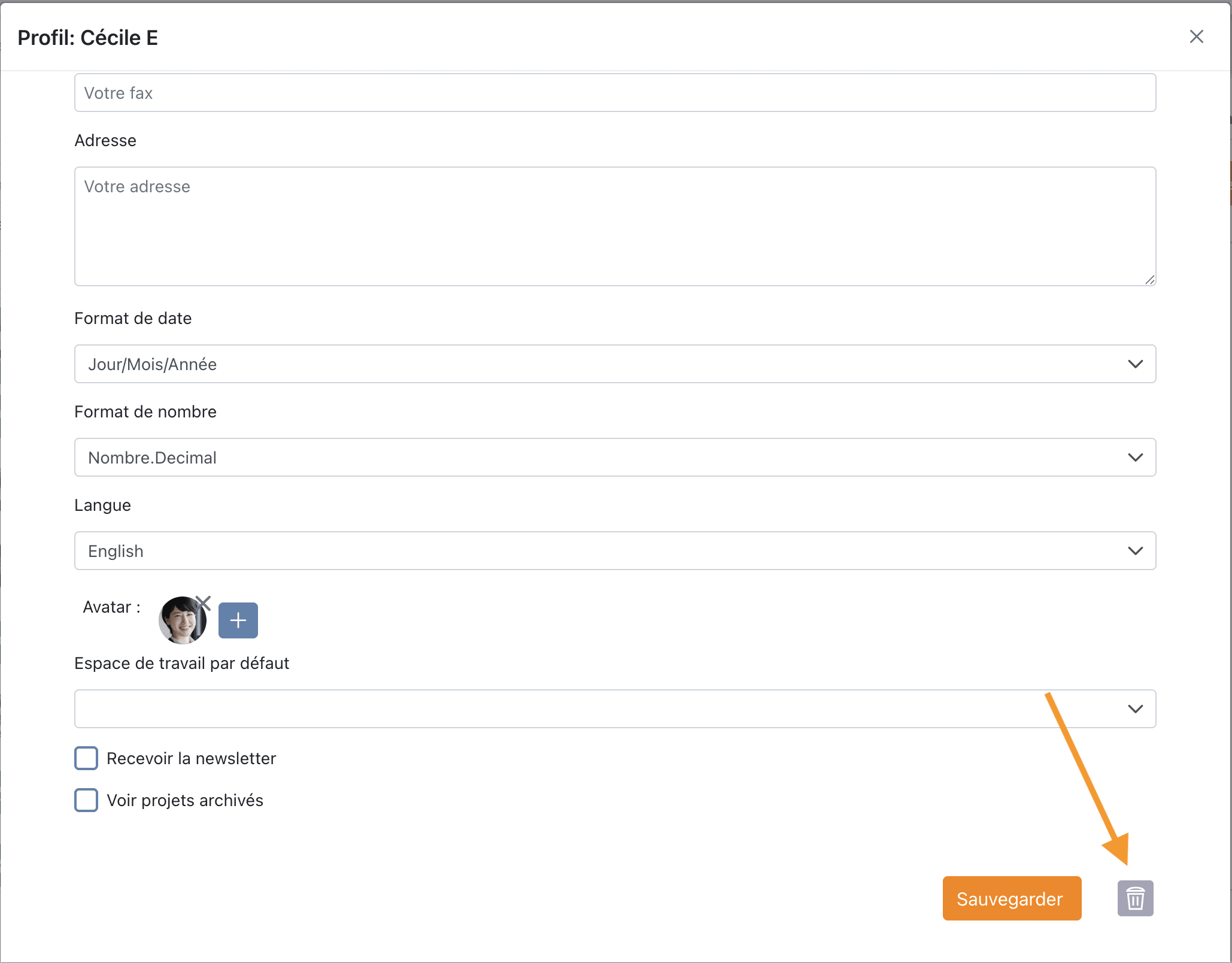
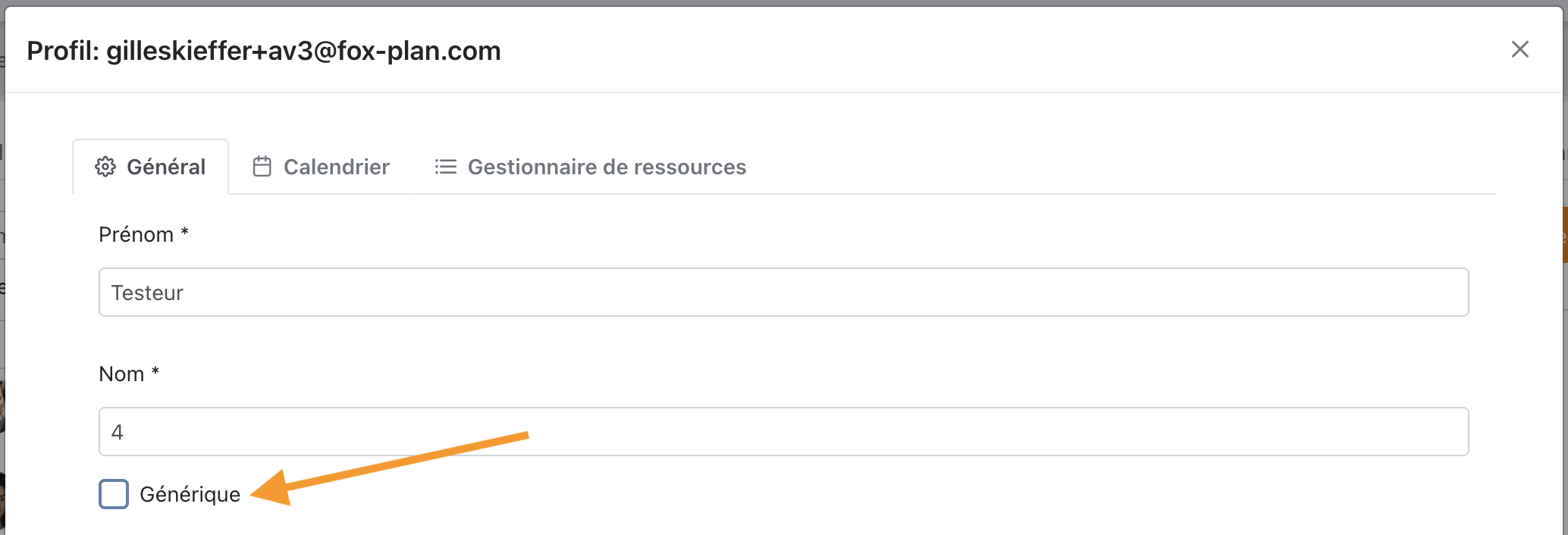
Recommended solution: convert the user into a generic resource by opening their file and ticking the Generic attribute. This:
- frees the user license,
- preserves all project data (assignments, actuals, history),
- prevents the person from logging in, while keeping their contributions visible.
See also
- Workspace members — workspace roles and their rights
- Project members — assigning roles at the project level
For a departure or a provider at the end of their mission, convert the account to a generic resource rather than deleting it: you recover the license without losing the history of their contributions.