Project contributions
The Contributions screen attaches the projects in scope to the plan's objectives, with their shares.
Reading the screen
One row per project in the scope:
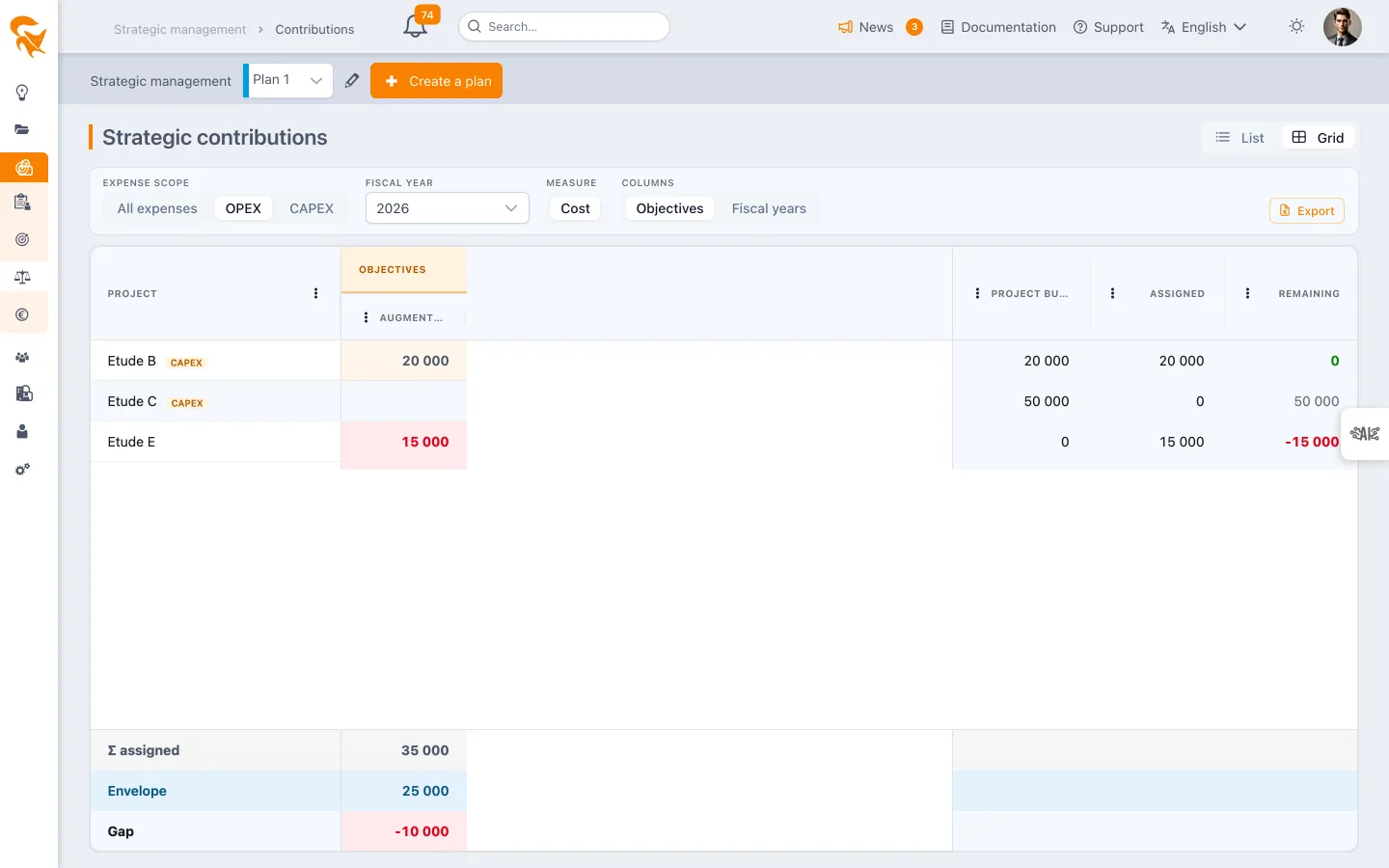
- the attached objectives with their share (e.g.
Reduce costs — 60 %); - the shares total per nature (one global total, or an OPEX total and a CAPEX total), in red when it does not equal 100 %;
- the Unattached label for projects not yet linked to the plan.
Attaching a project
Click the pencil on the row:
- Nominal case: pick an objective — the share defaults to 100 %. Save, done.
- Transverse project: Split over another objective button adds lines; the remainder is proposed automatically. The Save button stays disabled until the sum reaches 100 %.
- Detach project removes all its links to the plan.
Validation rules
| Rule | Why |
|---|---|
| Σ of a project's shares = 100 % per nature of the target objectives | A share distributes the target objective's family of amounts. A project can thus give 100 % of its OPEX to an OPEX objective and 100 % of its CAPEX to a CAPEX objective: the families are disjoint, no double counting. Toward objectives without a nature, the classic Σ = 100 % rule applies. |
| Mixing objectives with and without a nature is forbidden for a given project | An untyped objective counts the project's total, OPEX included: mixing would count the typed share twice. |
| No contribution to two nodes of the same branch (an objective and its ancestor) | Contributions roll up to ancestors automatically; a double attachment would count twice. |
| The same objective cannot appear twice | A split happens across distinct objectives. |
| Attachment allowed on any objective | A cross-cutting project spreads across several objectives with no artificial split. |
Who can edit?
The plan owner can edit all contributions from this screen. A project leader can edit those of their own projects.
The share drives everything
The same share splits the project's budget (financials) and weights its progress (achievement). A €500k project attached at 60 % brings €300k and 60 % of its progress to the objective. Details are described in the Tracking page.